Cinnado 2k Solar Wall Light Cameras
For Home Security With Ai Motion Detection
USD $32.98
Condition : New
Free Shipping
{{variant_type_name}} :

Notify me when the price drops
We will email you if we find a lower price on this product!
You may also like
Note: Q1: How should I do if failed to connect the camera and mobile? A : 1. Please make sure the wifi your smartphone connected is "2.4Ghz" WiFi, our camera doesn't support 5Ghz WiFi. 2. Keep the distance between camera and router within "1m." 3. Turn on the GPS function on your phone. 4. During the Wi-Fi setup process, click the "eye" icon to check if the Wi-Fi password is correct—make sure there are no spaces. 5.Press and hold the “Reset” button until you hear the Reset prompt tone. Wait for a while until the indicator light starts flashing alternately in red and blue.
Q2: Why I can't get the notifications on my phone? A : Please turn back to camera setting and check if alarm button on.
Q3: Is this a wireless camera, built in battery, no need of power supply? A:Yes, it has two 5000mAh batteries and can be charged via solar panel.
Q4:What should I do when the SD card cannot be recognized? A: Please turn off the power of the camera, then insert the card first, and then reconnect the wifi after power on (it is wrong to insert the card after connection);
Please read the following notes before completing order Please check your shipping address carefully before checkout, it can't be changed if order completed. Ship within 2 business day once payment completed. Notification of shipment with tracking No. will be sent to buyer.
Feedback We will leave POSITIVE FEEDBACK after receiving the payment. Please contact us if you are not satisfied with the item after receive it. If you are dissatisfied for any reason, please donot be quick to leave negative/neutral feedback. We work hard to make sure EVERY CUSTOMER 100% SATISFIED and resolve any problem for you and always leave positive feedback to all our customers. Serious Buyer Only! Please place bid only if you agree with all the terms.
About Return Note: For your best shopping experience in our store and saving your time. Please Do Not click "Return this item" except that you just don't need it any more. Because "return request" can't help you to solve the problem efficiently, it may takes a little longer time for u to get a reply due to we check with our "return request" every 2 days. that is the fastest way to solve any problem for you (We may respond a day later if you contact us at Saturday).You will receive helpful and practical solution through the communication between us.
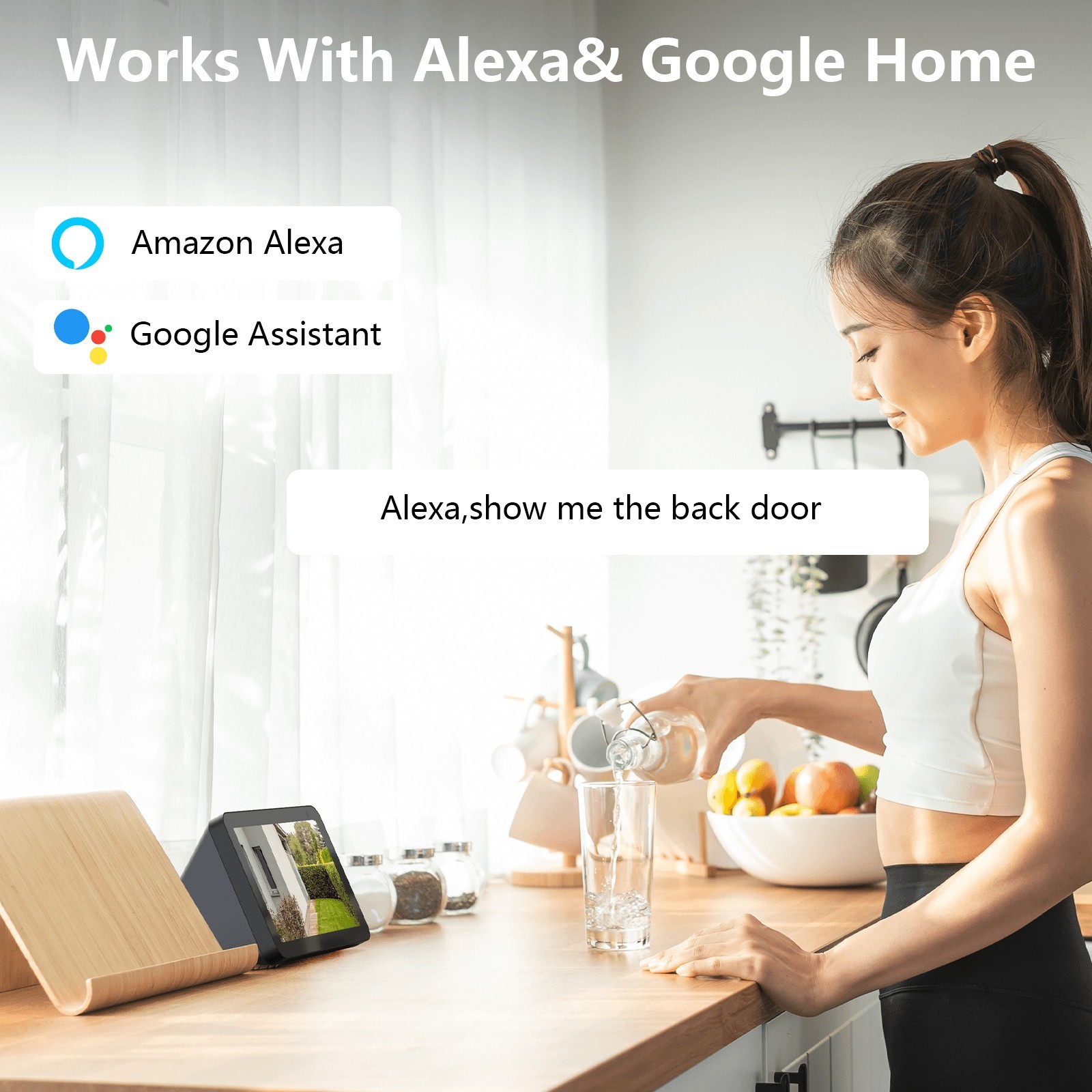
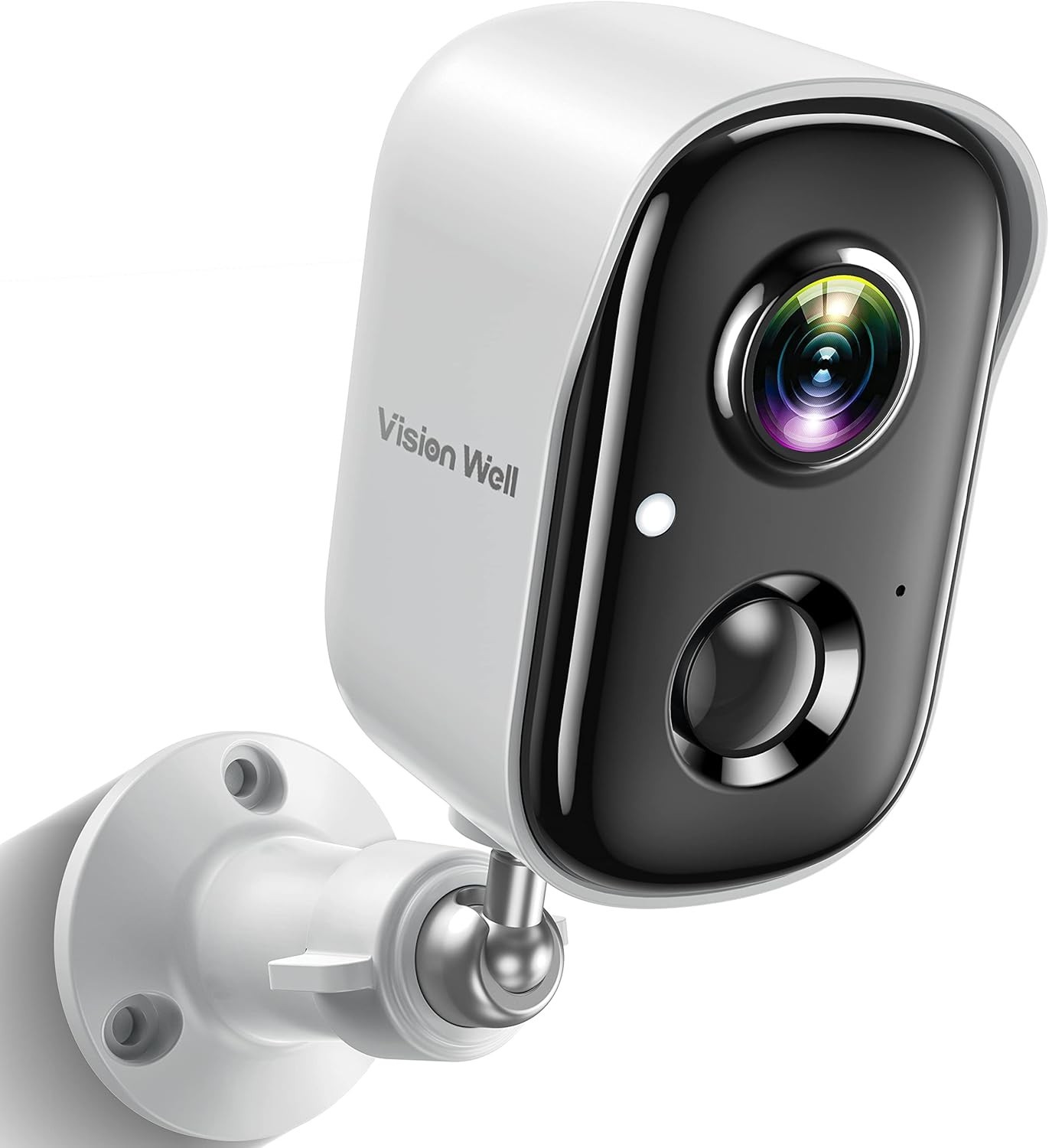
Note: 1. The camera only Support 2.4G wifi, can not work with 5G wifi 2.Monitor via Wansview Cloud App or PC Client 3.Enjoy 30-Day Free Cloud Recording 2K 3MP High Definition Surveillance Camera Much clearer than 1080P, you can see every detail Intelligent Lighting Switching The surveillance camera will control full-color night vision or black and white night vision according to the AI ??algorithm Solar Security Camera The integrated solar panel can be placed in a sunny place and can work by relying on solar energy. PIR motion detection and alarm When the surveillance camera recognizes a human body, it will trigger the white light to turn on and send an alarm to the mobile phone. Compatible with Alexa and Google Home Conveniently control outdoor security cameras Four-split screen mode The security camera can watch 4 live cameras together, which is more convenient Solar Wall Light At night, when the security camera detects motion, it will automatically turn on the white light to provide lighting. Package List Solar Security Camera*1 Stand*1 Quick installation guide*1 Punch expansion plug screw package*2 (8 plugs and 8 screws) Punch sticker*1 1m TYPE-C power cord* 1
Note: Q1: How should I do if failed to connect the camera and mobile? A : 1. Please make sure the wifi your smartphone connected is "2.4Ghz" WiFi, our camera doesn't support 5Ghz WiFi. 2. Keep the distance between camera and router within "1m." 3. Turn on the GPS function on your phone. 4. During the Wi-Fi setup process, click the "eye" icon to check if the Wi-Fi password is correct—make sure there are no spaces. 5.Press and hold the “Reset” button until you hear the Reset prompt tone. Wait for a while until the indicator light starts flashing alternately in red and blue.
Q2: Why I can't get the notifications on my phone? A : Please turn back to camera setting and check if alarm button on.
Q3: Is this a wireless camera, built in battery, no need of power supply? A:Yes, it has two 5000mAh batteries and can be charged via solar panel.
Q4:What should I do when the SD card cannot be recognized? A: Please turn off the power of the camera, then insert the card first, and then reconnect the wifi after power on (it is wrong to insert the card after connection);
Please read the following notes before completing order Please check your shipping address carefully before checkout, it can't be changed if order completed. Ship within 2 business day once payment completed. Notification of shipment with tracking No. will be sent to buyer.
Feedback We will leave POSITIVE FEEDBACK after receiving the payment. Please contact us if you are not satisfied with the item after receive it. If you are dissatisfied for any reason, please donot be quick to leave negative/neutral feedback. We work hard to make sure EVERY CUSTOMER 100% SATISFIED and resolve any problem for you and always leave positive feedback to all our customers. Serious Buyer Only! Please place bid only if you agree with all the terms.
About Return Note: For your best shopping experience in our store and saving your time. Please Do Not click "Return this item" except that you just don't need it any more. Because "return request" can't help you to solve the problem efficiently, it may takes a little longer time for u to get a reply due to we check with our "return request" every 2 days. that is the fastest way to solve any problem for you (We may respond a day later if you contact us at Saturday).You will receive helpful and practical solution through the communication between us.
If you need return, please check twice to confirm the item not work and contact our customer service representative, let us know the detailed problem and send us some pictures for confirmation. Then get a unique address for return.
Price type
IN STOCK
OUT STOCK







 .
.
